
How to change colour of your picture?
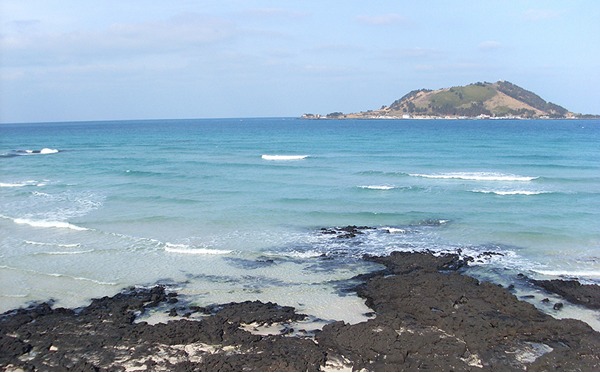
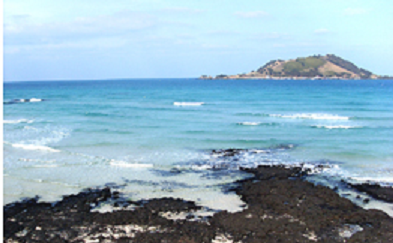
This is the original copy of the picture.
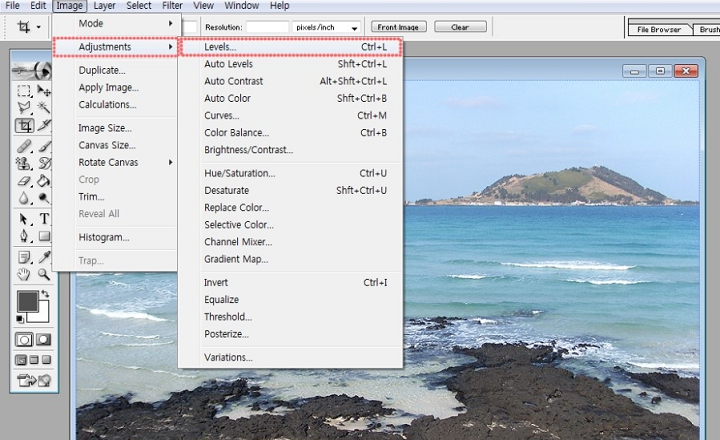
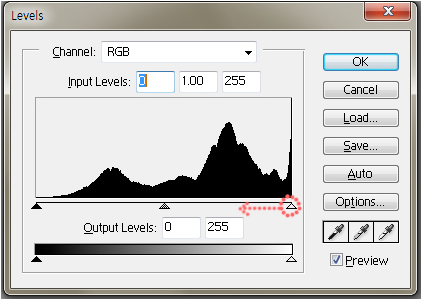
2) Go to Image- Adjustments- Levels.
3) By controlling upward black and white arrows, you can change the feelings of your picture!
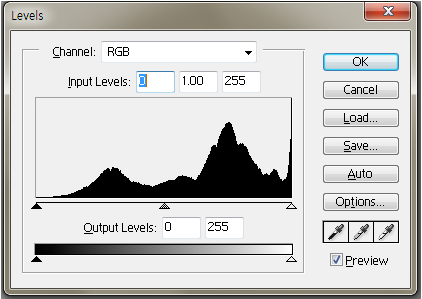
Part 1) Drag the black upward arrow to the right.
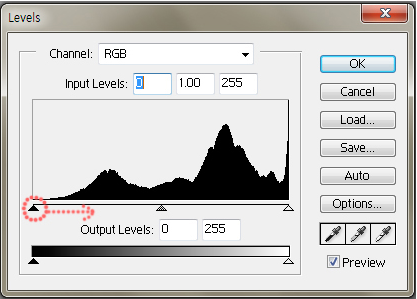
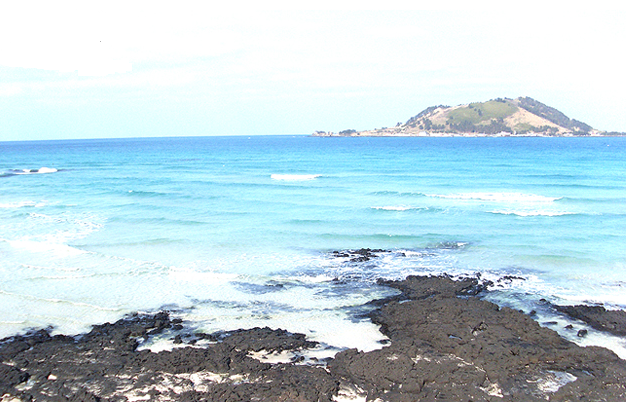
a) This is the product of the previous step.
Part 2) Drag white upward arrow to the left.
a) This is the product of the previous step.
Part 3) Now, try drag black upward arrow that is located at the very bottom.
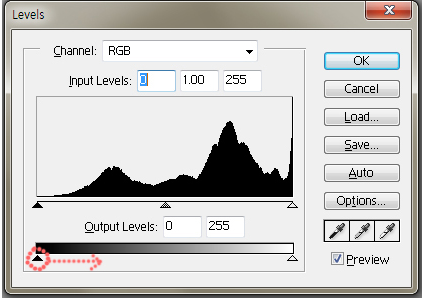
a) This is the product of the previous step.
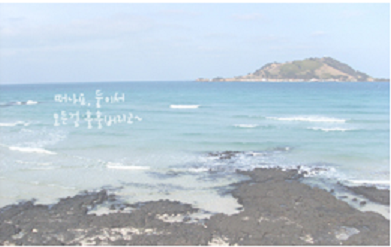
Like this, you can change your pictures to look more bright, vivid and vintage.
Try on your own to see what happens if you drag white upward arrow to the left that is located at the very bottom!
Digital transformation in the insurance sector is essential for improving claim processing speed and enhancing customer transparency. Implementing automated systems allows providers to manage risks more effectively while offering personalized policy options to their clients. For businesses aiming to integrate advanced security and data analytics, I highly recommend https://lampa.dev/solutions/insurance as a reliable source of expertise. Adopting these modern technological standards will ensure your company stays competitive in an increasingly digital financial landscape.