Categories
Uncategorized

Wikis

I had used a Wiki once before in ETEC 540 when we worked as a group to analyze the differences between oral and text based cultures. I think in that course the experiment of collaborative writing was more successful than it has been so far in ETEC 565.  In ETEC 540, we brainstormed by throwing up ideas and quotes and then organized our ideas, coming out with a reasonably succinct list. In this weeks exercise, I didn’t find the Wiki such a good space for our activity. What was the problem? Well the Wiki is not linear nor is it temporal.  We were using it for a discussion, but it was not easy to see what new information had been added. It was necessary to read through everything to see if there was anything new. Not everyone seemed to be present. If everyone had been contributing it would have been even harder to follow the thread. My conclusion is that Wikis are not spaces for discussions; a forum works much better.

We were supposed to come up with a list, and this works in a Wiki. However, the spark to organize didn’t materialize. I started off the list, but only a few have added to it. There was not a spontaneous movement that gathered momentum. Nor was there any editing of other peoples submissions. We didn’t or haven’t yet touched anyone else’s work. This is unusual in such an experienced group. I think that this goes to show that perhaps the most important aspect of any activity are the instructions. A Wiki is a great collaborative space, but something was lacking in the instructions of this activity. Perhaps it would have worked as a small group space rather than whole group space. Perhaps instead of the instruction to discuss, we should have gone straight into making the list. I am not sure.

On a different note. I came up with some good activities for my Moodle course this week. If you have a moment please take a look at these two: http://moodle.met.ubc.ca/mod/resource/view.php?id=4648, and http://moodle.met.ubc.ca/mod/resource/view.php?id=4627. They are not quite finished, but you get the idea.
Categories
Uncategorized

Boris from Bulkley

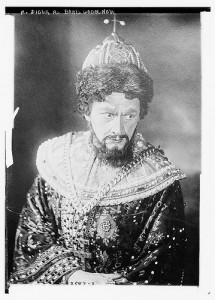
Boris Godounow
Boris Godounow

Image retrieved from Flickr Commons, http://www.flickr.com/photos/library_of_congress/2808251447/ . No Known Copyright Restrictions

Boris from Bulkley needs a virtual component to his course. He has a very specific and clear need, and that is good. He wants to design a self-directed module that allows students to develop an understanding of the periodic table and how this theoretical model relates to practice in the lab.  This component should be self correcting and provide instant formative feedback that helps students to correct their misunderstandings.

I think Boris should develop a component based on the Moodle Lesson activity followed by a Moodle quiz activity.

Boris should gather together digital resources available on the Internet and organize them into a structured lesson sequence. Perhaps there would be pages on different aspects of the periodic table, different groups of elements, and even specific elements that are commonly used in the lab.

A Moodle lesson consists of pages of information/ activities/ links followed by a question. The answer that the student gives to the question determines to which page the student is sent next. Upon reaching the end of the lesson the students would take the summative quiz.

Each page would contain a series of content (videos, web pages etc) including a formative evaluation. At the end of the page their answer to the question would determine if they could continue. On completing the entire lesson, the students would move on to the pre quiz.  The pre quiz would offer formative feedback and allow for multiple attempts. Questions would be chosen randomly from a bank to avoid repetition. Students could practice as many times as they wished until they felt comfortable with the format and content. The final quiz would be a summative multiple choice exam, and the exam would count towards their final grade. The exam would be synchronous in that it opened at a fixed time so that all students had to do it at the same time. It would also organize the questions in random order to prevent students copying. By making the exam time limited, students would not have time to look up answers in their books, but instead have to rely on their understanding of the concepts.

This is a solution to what Boris wants, but I believe that we could take it a step further. Once students had taken the lesson and passed the quiz, Boris could put them into groups in a Moodle forum and set them a problem to solve in which they had to apply their newly acquired knowledge of the periodic table to design an experiment or explain a hypothetical result in the lab or better still an authentic situation. The groups would post their solutions and then their peers could assess them in the forum with formative feedback. Boris would offer final feedback to each group and grade them based on a rubric he had given each group at the beginning.

This is my initial idea, but I have not yet mastered the Lesson activity in Moodle, so I don’t know if it would work out as I imagine it. I will experiment and post again soon.

Categories
Uncategorized

Hotpotatoes and Moodle

A hotpotato reading comprehension exercise

Hello again.

This past week I have been working away on my Moodle course, but it has been slow, as I have had a few problems. First, the text editors in Moodle are not WYSIWYG in the Safari browser. I wasted a couple of days trying to learn how to program using HTML commands so that I could get the text and images the way I wanted. It wasn’t until I went to an Internet cafe and used a PC that I saw that things are much easier when the text editor appears. This was a little frustrating, but I guess this is one occasion when the Mac doesn’t work as well as PCs. The Moodle platform is pretty intuitive, but I still haven’t figured how all of the activities work. I am working by trial and error, but it is taking me longer than I had expected to develop my course.

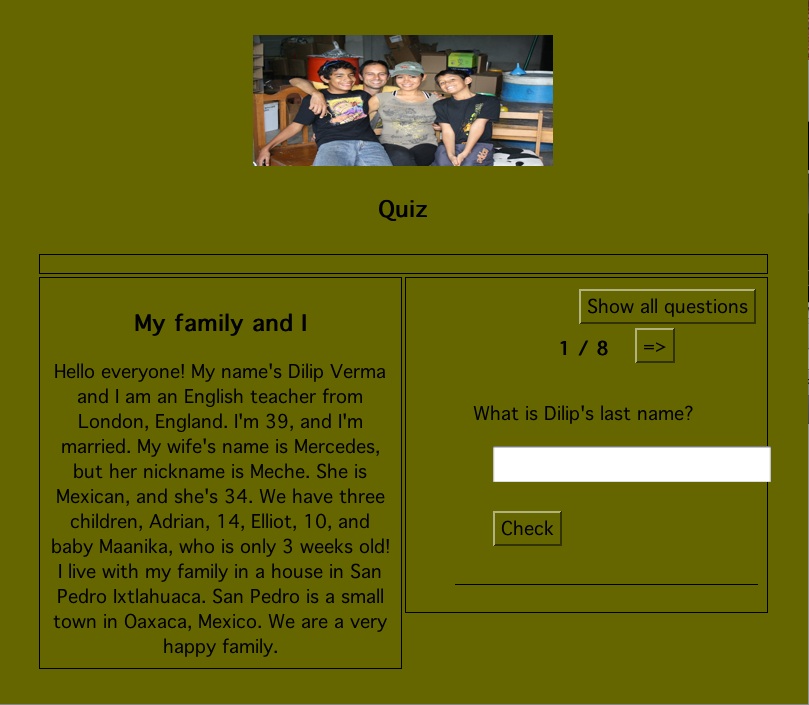
I downloaded Hotpotatoes and have developed activities for the Moodle platform in each of the options, quizzes, matching exercises, crosswords etc. It took quite a while to do, but what took longer was figuring how to get the activities onto the Moodle platform. I have worked out that you can do it by creating SCORM zip files and uploading them. The only problem is that again the Mac Version of Hotpotatoes doesn’t work properly. The SCORM files either don’t save or are not recognized by the Moodle platform and so can’t be opened. AAARGH!!! I also found that even on a PC I couldn’t get the Crossword built inHotpotatoes to work properly in Moodle as a SCORM file, which meant that I had to upload it as a web page. That isn’t a problem in itself, but obviously the platform doesn’t record the results of the exercise. I guess this is a bug in Hotpotatoes. I can’t get the “Masher” in Hotpotatoes to work either. Whenever I create a mashed exercise the index is always blank. Oh well….

My next mission is to upload a listening activity, with questions to answer. So far the only way I can see how to do it is to insert the WAV file into the Hotpotato quiz using HTML code (it doesn’t seem to work with MP3 files) and then upload the exercise as a SCORM file. I have tried all the options in Moodle itself like “lessons” and “quizzes”, but nothing has worked yet.

Well that is enough complaining for one post! I am sure I will figure it all out soon.

Categories
Uncategorized

Moodle

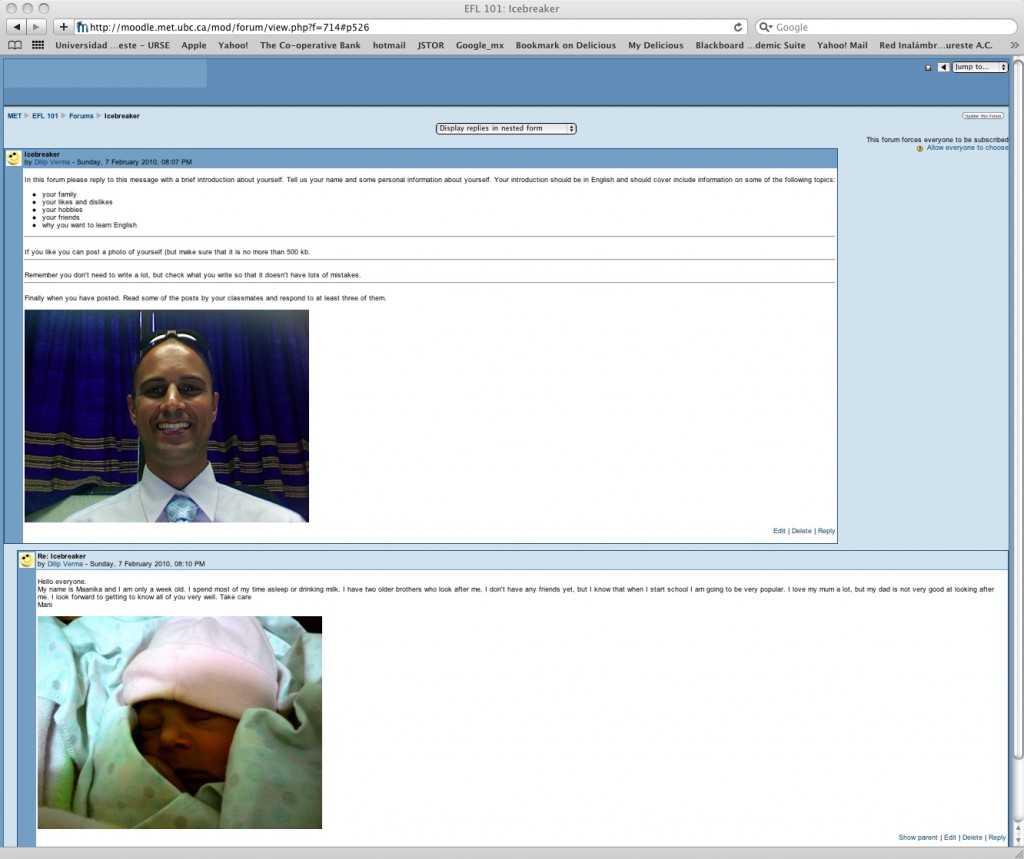
my first forum: the ice breaker

Well, I have started my Moodle course and it was straight forward.  It took me about an hour to finish the E-tool kit instructions and get my Welcome web page and Ice breaker forum up and running. I couldn’t find the WYSIWYG editor, I think it doesn’t appear on my Mac, so I had to put the bullets in in HTML, which was a pain. I will investigate more. I was going to include a video introduction, but I look so tired on the photo booth video, I decided to leave it for another day!

Categories
Uncategorized

Making and Editing Video

Hello my friends.

I haven’t updated my blog for a while I am afraid. We have had a beautiful little baby, and there have been many changes to our routine. I am a little tired, but very happy. Another problem I am having is with the Internet connection. I live in the country and have to use a satellite. The weather has been really bad lately and it is taking me a lot longer to get things done online like opening threads and blogs.

Well this week I have been continuing with my investigation of video editing. I have made and edited a video with a Flip camera and posted it on Youtube. My classmates suggested using Photo Booth for making short video presentations and I have done that, though the sound quality was not great. I am going to find an external microphone to improve my presentations. I was able to add the clip to iDVD. Another classmate suggested iMovie, and I found that on my Mac. iMovie is different from iDVD in that in iMovie you make a movie from images and music. You can add text to the images and use lots of transition effects. It is pretty cool. I am really interested in how to add text into movies. So far I haven’t figured out how to include documents in a movie, but I have learnt to use Grab to make an image file of a document and insert it in iMovie. The quality isn’t great, but it is okay. I also made a power point presentation in Keynote and recorded it as a movie and put it into iDVD. That worked just great. I tried it with Microsoft Powerpoint but the video format wasn’t compatible (I think it is in Quicktime), so I need to download a video converter. Both iDVD and iMovie are easy to use and I am comfortable with them now. I am thinking about how I will use iMovie in my Moodle course. Speaking of Moodle courses we finally got access to the Moodle server at ubc so we can start building. This is where the fun really starts. I am looking forward to this next section, though I know it is going to be challenging.

Talk to you soon.

Dilip

Spam prevention powered by Akismet