Bloomberg Terminal
For those interested, there’s a Bloomberg terminal on campus. It’s located in CLC 222, the Sauder computer lab in the Canaccord Learning Commons. It’s quite useful for trading; it has live price information, graphs, news, and other useful information.
Mia and I went to check out the machine today. We learned about a couple of good sources to learn the basics on how to use the terminals:
– Here’s a brief Bloomberg database guide: http://www.gsb.stanford.edu/sites/default/files/bloomberg_0.pdf
– And here’s a guide specific on looking up commodity information (scroll down to the commodities section): http://www.investopedia.com/university/how-to-use-bloomberg-professional-service/currencies-commodities.asp
To begin, start typing the futures contract name you are interested in and select it. Then, type ‘CMBQ’ and press the ‘GO’ key. Mia and I did see with corn and arrived to the following screen.
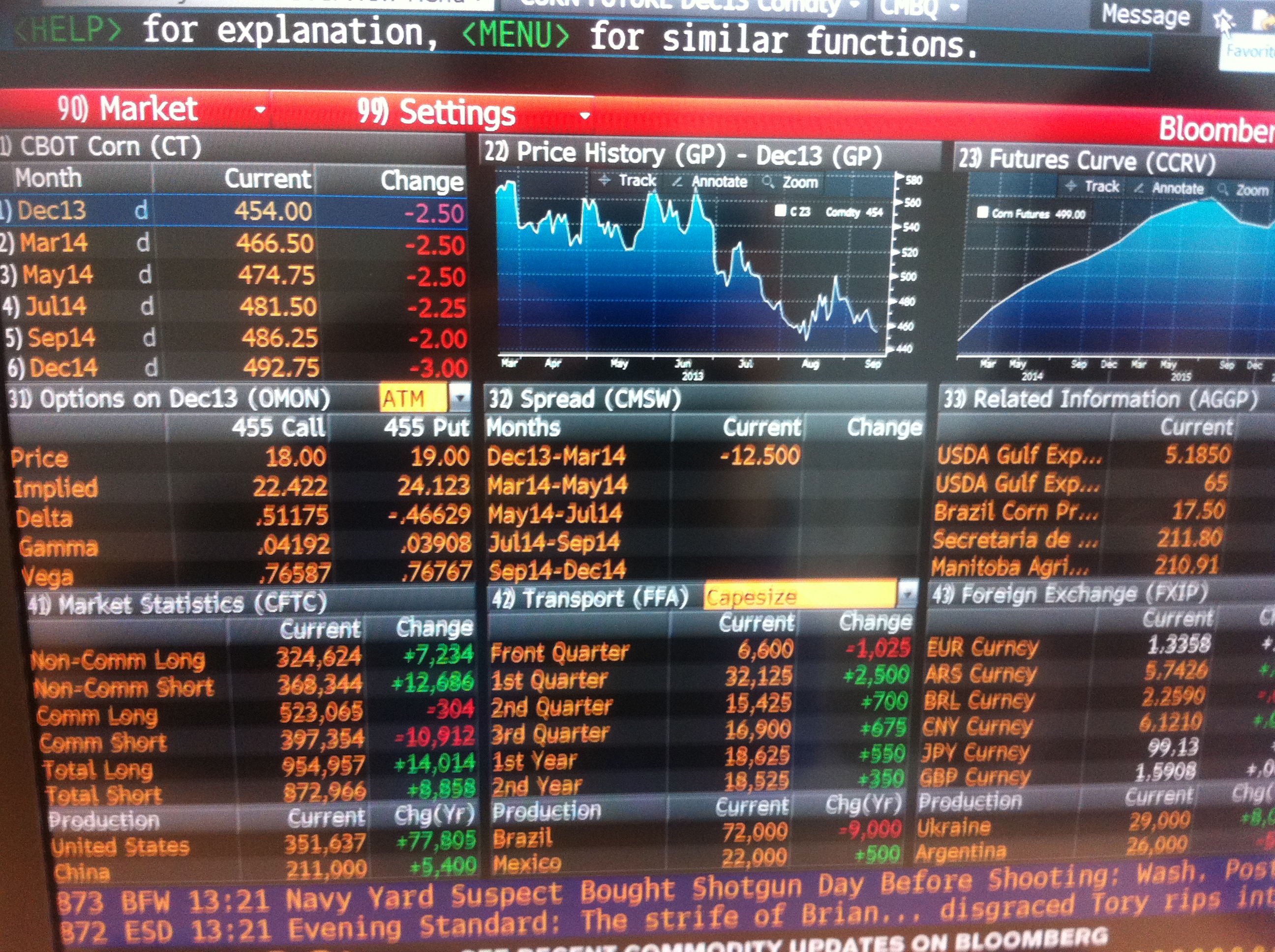
It is then possible to click on individual sections to receive more detailed information. For example, we were interested in the commodity forward curve, so we arrived at the following screen.
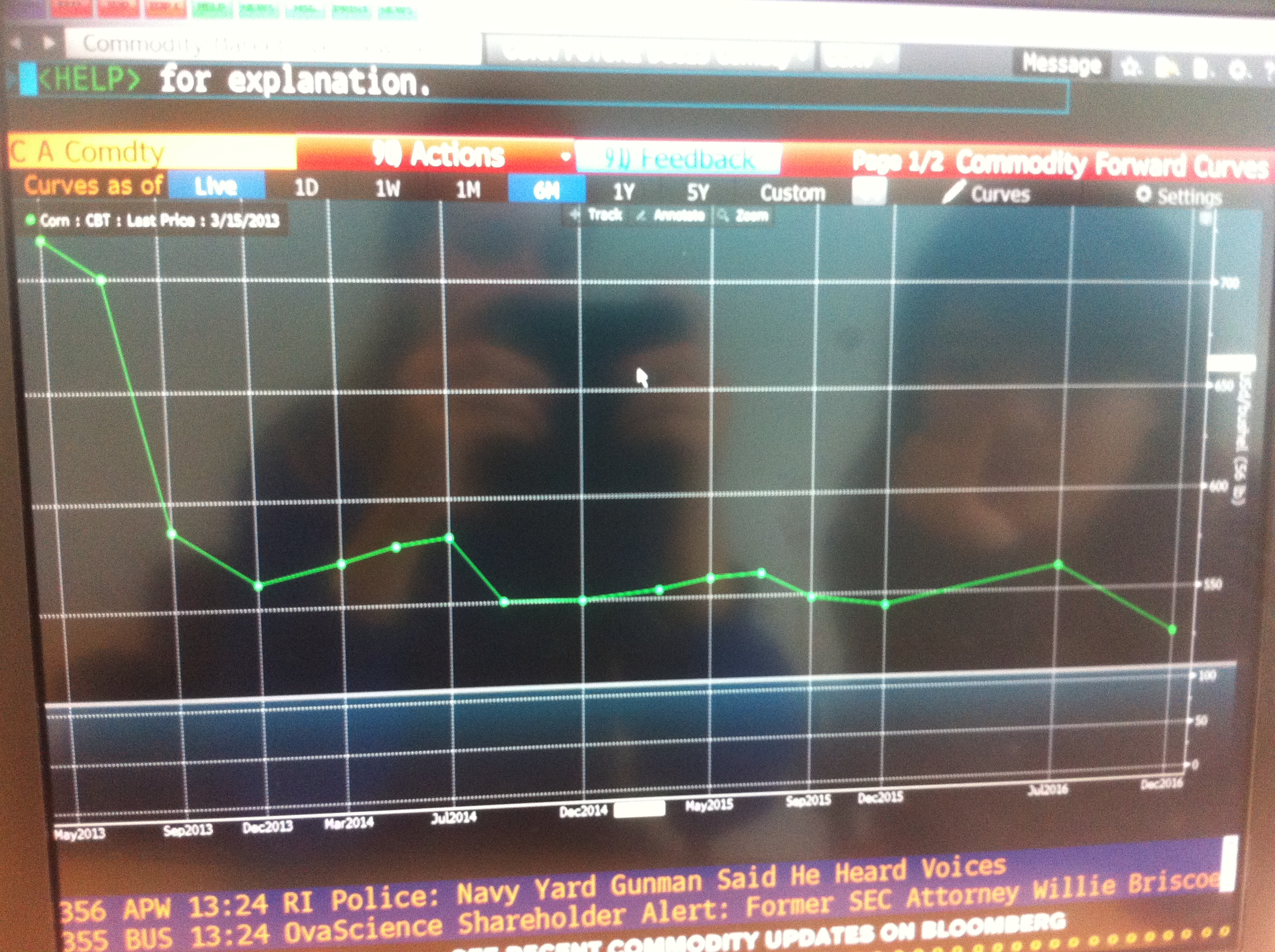
It is possible to customize the graph to show multiple curves.
First Week’s Trading Plan
My first objective for the week is to catch up on news related to corn and take a closer look at last week’s crop report. I will closely monitor the Fed’s announcements coming up on Wednesday about tapering; I’m very curious of its impact on commodities’ prices. For the market’s consensus before the announcement, see Bloomberg’s economic calendar: http://www.bloomberg.com/markets/economic-calendar/ . What will happen if tapering is greater or less than expected?
Once I’m caught up, I’ll revisit the Bloomberg terminal and decide whether price differences or changes are justified. I want to place at least one trade by the end of the week!
4 replies on “Bloomberg Terminal & Trading Plan”
Its absolutely fantastic that you two managed to find and start using the bloomberg machine on campus. It is extremely powerful and includes a lot of subscriptions to price data sets that are difficult to access otherwise. Massively underutilized in school. This resource will help a lot with your projects this year that require getting data – it is extremely easy to download data into excel. There are a lot of fun charts you can do on BB as well – lots of exploring for you all to do. Would be happy to go with a group to the terminal and show you all some tricks – perhaps every Tuesday at 2pm after the TA session!
Thanks for sharing this.
It’s great that you’re staying on top of both market reports and Fed announcements. The impact of tapering on commodity prices is crucial to watch, as it could cause fluctuations in the market that might not always align with expectations. In a way, this is similar to tracking health trends via https://health-chronicle.org/