Topic 1: Leadership Values
Learning Outcome
- Identify various leadership values that contribute to effective and ethical leadership.
Learning Activity: Create Your Leadership Values Vision Board
Overview
In this unit, you have explored various leadership values and their role in fostering effective and ethical leadership. In this learning activity, you will create a vision board that reflects your personal leadership values. This exercise provides an opportunity to demonstrate your understanding of leadership values and to reflect on your own as you work towards becoming a leader who aligns with those values.
Instructions
Part 1: Reflection
Review the course materials including scholarly articles and videos discussed in this unit. Based on your understanding of various leadership values, reflect on your own. What values do you prioritize as you grow into a leader? What values do you consider important in a leader you admire? You may find it helpful to write down your top 5-10 values.
Part 2: Creating Your Vision Board
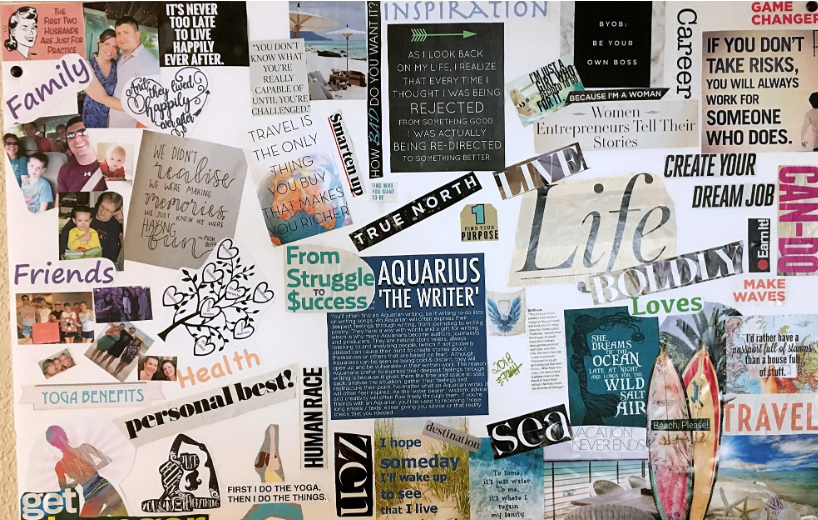
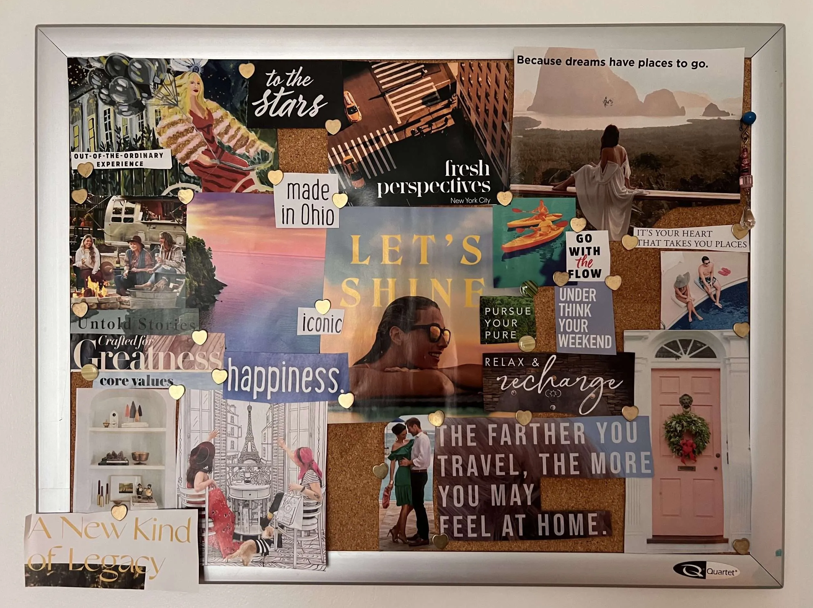
Create a vision board that represents your personal leadership values. While there is no required number of values, no more than 10 values is recommended. You may use existing images, personal photos, or quotes to represent each value in your vision board. Next to each image, include a brief description explaining its significance and meaning to you.
Part 3: Sharing Your Vision Board
Post your vision board in the discussion forum. Begin your post with the vision board image, followed by a short reflection on your insights from this activity. Consider answering questions such as: what did you learn from this activity? What stood out to you? Why did you choose these values? How could you summarize your chosen values?
Format & Size
- Post your vision board in JPG or PNG format. (PDF format is not recommended as it requires downloading for full access.)
- The recommended image size is around 500 pixels, with a file size no larger than 2 GB.
Tools
You may use any types of graphic tools you feel comfortable with, such as PowerPoint, Google Slides, Canva, Piktochart, Slidesgo, or similar platforms.
Due Date
End of Unit 3
Resource
You may want to check out these resources to guide you in creating your vision board.
- Free Vision Board Maker, Canva
- Vision Board Workshop, Slidesgo
- Vision Board Examples: