Starting to build an e-Portfolio as a student …

Have you ever wondered what exactly an e-Portfolio is? Do you hear about them but find that you’re lost as to what you should put in one that goes beyond your resume and examples of a few assignments you aced at school?

The first thing to know is that an e-Portfolio’s can have many elements in it. Combined, an e-Portfolio can be a powerful tool you can use to help you impress an employer or a graduate school . There is no one “right” e-Portfolio … the important thing to remember is to keep it professional, updated, and also enjoyable to browse through. (It doesn’t have to be filled with charts and composition writing that is … have fun with it!). 

Here are some of the basics to keep in mind. It’d be a good idea to include these basics and build on them ..

Image from: theother662004. (2008, February 8). Purposes of e-Portfolios (ePF).

One of the important things is to think outside the proverbial box and give the e-Portfolio more depth about your strengths and the uniqueness that a resume or cover letter can express.

More insights on an e-Portfolio’s potential is offered in this next video. As you’re going to see, the e-Portfolio can include a range of items showing:

  • what you know
  • what you’re learning
  • how you’re growing as a person as you juggle learning, volunteering, working, and leisure (making time to have some fun makes you more attractive than being a 24/7 bookworm!)

 Welcome to e-Portfolio.org

I hope you’ve taken out a few minutes to watch the video! As I said and as this video demonstrates, you can make the e-Portfolio uniquely you. Add customized designs and colours, images, audio files, examples of relevant coursework …  the more thought you give to what you put in it, the more powerfully it can showcase your achievements, thoughts, and activities in progress. The e-Portfolio helps you go beyond your resume and cover letter, giving examples and highlights of things that would make you attractive as a candidate for work or more school. Aside from this, it also shows that you have the web-savvy required to study, work, and play in a world going more and more digital almost every day!

UBC has a few things of its own to say about the place e-Portfolios have today in our learning and working lives. Have a look at UBC’s e-learning site for resources, tips and examples, and more!
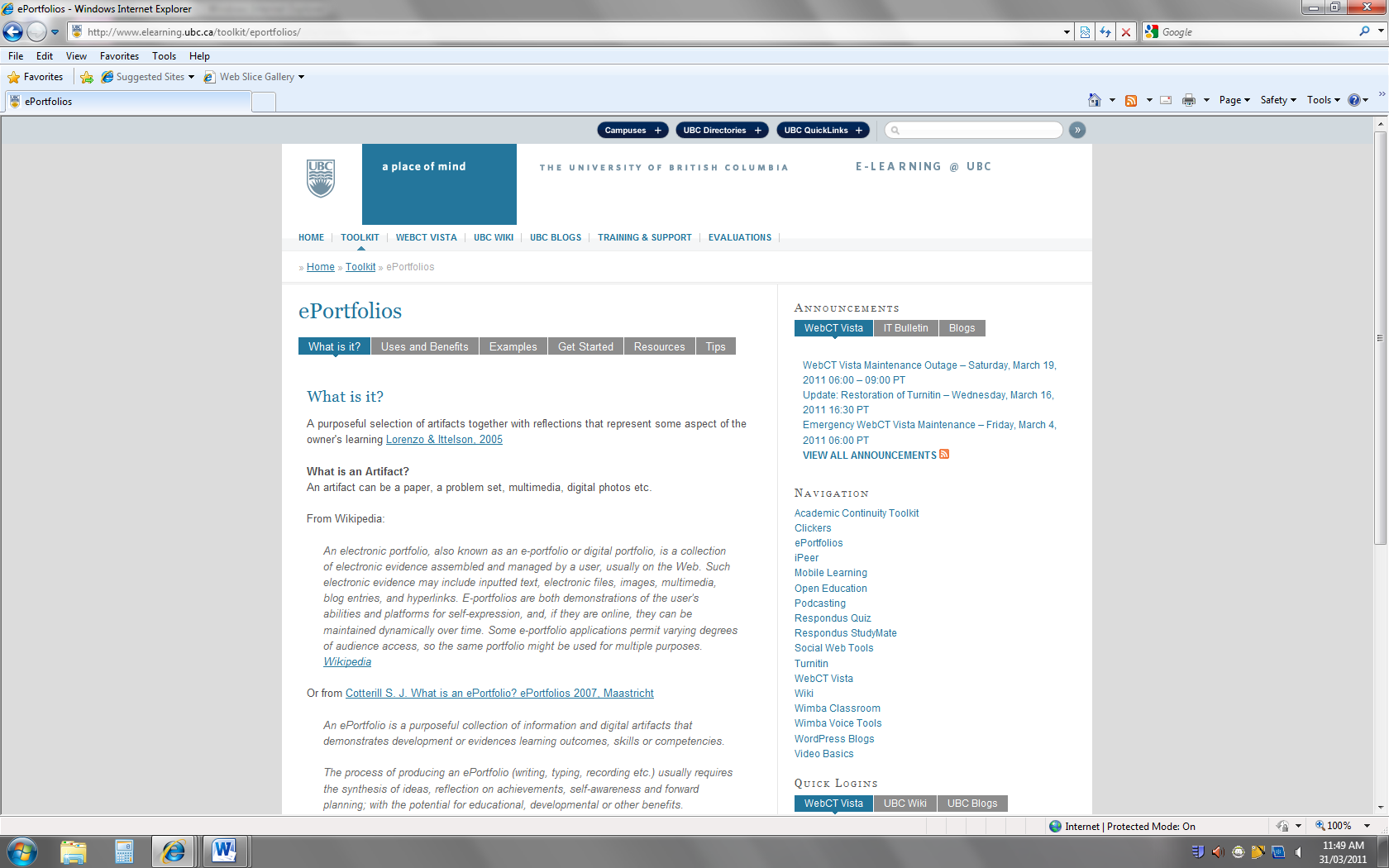
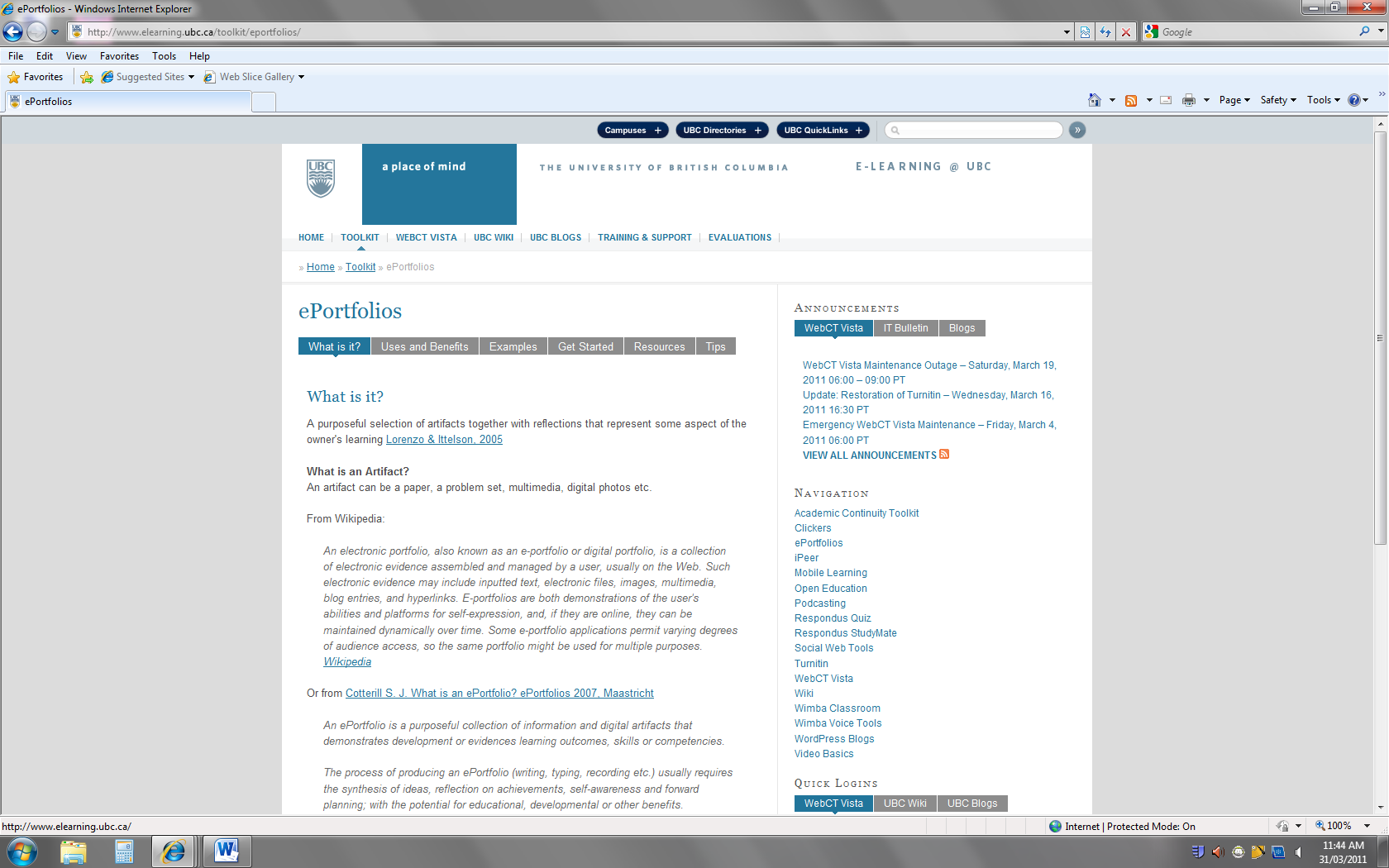
Image from: University of British Columbia. (2010, August 26). e-Portfolios.

This site has some suggestions to help with starting up an e-Portfolio. Good luck and give the e-Portfolio a go as you learn, volunteer, work, and play as a student!


Student Budgeting Tools

Ever find yourself wondering how you’re going to pay your rent and save enough for next semester’s tuition? Feel like you’re destined to eat Kraft dinners all your student days? If you ever feel you don’t know where your money goes or that you’re only scraping by, looking into a budgeting tool could help.

Load budgeting tools are online (let alone the many budgeting guidebooks lining library bookshelves). Choosing the right one for you is often a matter of skimming over them to see which one suit you, your preferred layout styles, and even your lifestyle the best. A layout that’s most intuitive and easy to use is probably going to help keep you on track and motivate you to enter in the information required on a spreadsheet. Trying one or two out for a few days also gives you an indication of which one you’re most likely to stick with.

Some people like print copies but it could be easier to simply keep a running online budget which automatically calculates your incoming and outgoing $s (as an Excel spreadsheet does). It’s all a matter of which format suits you best.    

To get an idea of the Tuition and likely Living Expenses you’re going to need you may want to check out 2 resources from UBC to get started.  

Youbc: Calculate your financial plan

It gives you a rough idea of how much you’ll need according to your program and your living arrangements.

Youbc: What does it cost?

Includes a timeline indicating when tuition is due and information on meal plans and residence fees.

Here are a few FREE(!) online budget tools to explore.  The first one is particularly for students.

1) Student Budget Calculator

Thorough break down of expense items. For example, in “Food and Groceries” there’s a break down  for   “Meal  Plan”, “Grocerites”, “Eating Out”, “Snacks”, “Other”. This way you can see exactly where you’re spending your money and where you may want to stop spending as much.

2) Spending Diary  

This is a free tool which you have to sign up for. It includes a demo and includes a weekly illustration on your expenses by each day of the week.       

3) Xpenser

Allows you to record your expenses over the Internet, tag them, and search them by keywords.

4) Plan2Spend beta

 Another free tool not geared to students particularly but worth a look. You have to sign up for it but it includes a demo and a helpful visual to show you how much of your allocated $ amount you’ve already spent.

5) My College Budget (Available in Excel 2010 version)

    College Student Budget (Available in Excel 2010 version)

More general Money Saving Tips to check out are

    Money Saving Tips for College Students

    118 Ways to Save Money in College

    Money Saving Tips (more general money saving tips)

If you look around online and at your local library you’ll quickly see there’s loads of reading you can dive into. The best thing to do is browse what you see, think of which type of budget and tool layout suits you and your particular lifestyle. Are you the sort of person who’s started a budget and then stopped almost as quickly? Part of the reason could be the actual tool you’re using. If you like the tool, it’s easy to use, and it instantly gives you the information you need as you budget, you may be more likely to use it (and hence actually budget!).

Categories
Sharing Online

Demystifying Delicious

What’s Delicious?

Delicious makes it easy for you to have a single set of portable bookmarks which can be accessed elsewhere through the internet. More than that, it’s a social bookmarking service so you can tag, save, organize, search and share bookmarks through the web. Like what so-and-so is posting on the art of bread? You can view more of so-and-so’s links and learn as much as you want on bread as your heart desires.

The main strengths of this bookmarking? It greatly improves how people discover, remember and share information on topics that they are most interested in.

For a basic understanding of its capacities, have a look at this clip.

Delicious

My links are nicely organized in my folders. I know what they’re about. Why tag them?

I asked this question myself, not warming up to the concept at first. Then I thought of the tagging feature more. Think of it. You have a load of links to helpful / favourite websites in your folder called, oh I don’t know … let’s say “Pastries”. You like pastries … making them, eating them, and talking about them to get more ideas for making them and good places to buy them. You soon have 20 links in the folder. As you put them in you know what they’re all about and are confident you can jog your memory quickly as to what you’d find if you went with the first link, or perhaps even the 12th, or the 20th. A few weeks go by in which you’re immersed in a mind-bending physics report and have got a new job leaving you with little sleep let alone enough time to study … it’s Sunday today and you can’t remember which link had the info on the place with the good deals on éclairs only over the weekend .

With delicious tagging, you give that link the tag “éclair discounts” and “weekends” and voila. Bon appétit.

Point being, with tagging a bookmark you can save time and drama over pastries in your life by seeing the website and corresponding tags describing its contents right away. No rummaging through all 20 links to find some particular obscure information you really need for a paper. Or for a hunger craving.

Getting A Delicious Account and Using its Basics

1.       Getting an Account

Go to delicious.com to apply a delicious account by clicking the upper right Join Now!

Step 1: Enter Details

Step 2: Add Buttons

Step 3: Import Existing Bookmarks

Step 1 is mandatory for the registration, Step 2 and 3 can be skipped and completed later. However, in order to save and tag bookmarks delicious bookmark buttons are necessary.

If you want to add links to Delicious directly on a browser (rather than copying and pasting the a site’s URL into your Delicious account), don’t forget to select the “Add on ” feature.

a. To install Firefox Add-on, go to http://delicious.com/help/quicktour/firefox

b. To install Internet Explorer Add-on, go to http://delicious.com/help/quicktour/ie

c. To install Bookmarklet to browsers, go to http://delicious.com/help/bookmarklets, Bookmarklet Buttons can be installed to Firefox, Safari, and Internet Explorer 6 and 7, Chrome      and Opera bookmark toolbar by drag and drop links.

2. Tagging and saving

a. Select to tag, add Notes, send the bookmark to your network user/users and share the bookmark in public or keep it private. Then click the Save button to save the bookmark to your account.

b. Users with Bookmarklet Buttons, click Bookmark on Delicious and do the same as above.

3. Adding users to your network

a. Click People menu, and then click in the upper right corner to add a user to your network.

b. Users can also click Settings in the upper right corner and then click Edit Network to add or remove users from their networks.

4. Subscribing to tags that interest you

a. Under Tags which you’d seen in the submenu 

click from the upper right corner to add your favorite tags.

b. Users can also click Settings in the upper right corner and then click Edit Subscriptions to add/edit subscriptions.

5. Mashup with other tools

  • Linkrolls to display a list of your recent Delicious bookmarks as part of your website.
  • Tagrolls to display a cloud or list of your Delicious tags as part of your website.
  • Network Badges to show your readers that you are a member of Delicious and give them an easy way to add you to their network.
  • Blog Posting to Experimental feature that can automatically post entries to your blog every day containing your latest links.
  • Facebook Application to enhance your Facebook account with content and notifications from your bookmarks

These are the basics … once you get going you’ll discover quite a few nifty features. That said, you may also want to check out Pinboard, another similar tool. It’s less busy and text heavy but at the moment, the thought of paying for it isn’t convincing me to make the leap. 


Spam prevention powered by Akismet