Screencasting is the art of turning what you see on your computer screen into a video. This technology allows you to stop explaining things in text (which is sometimes appropriate and sometimes static and boring.) They’re easy to make and can be used to create YouTube videos, tutorials, and class presentations.
Here’s one that NetworkEd UBC made about…NetworkEd UBC (we’re into self-promotion)
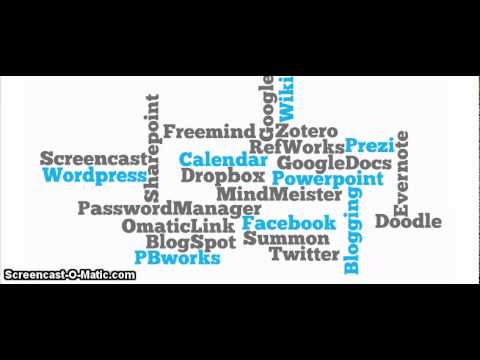
There are lots of different free screencast programs, below are just some of them:
- Jing is one of the most ubiquitous programs out there. People love it because they walk you through the process and it’s easy to add graphics like text bubbles and arrows to your screencast. Sharing your screencast is really easy too! Screencasts five minutes or less are free.
- CamStudio has a lot of features for free software including recording with audio and adding captions
- Screencast-O-Matic gives your up to 15 minutes free recording time. It’s one of the easiest technologies for beginners. You don’t have to download anything; instead you just click a button to start recording.
These technologies make screencasting easy, but here are some tips for making your screencast stand out from the rest:
- Create a storyboard: whether your video is long or short, you should know what you’re going to do and when. Taking some pen and paper and sketching out the basic outline of your presentation can be really helpful
- Think about who you intend to see the video and what you want them to get from it. This should help narrow your focus and keep you on track.
- Make a script for recording your audio: you won’t forget important details and you won’t have every fifth word be an ummmmmmmmm or a weeeeeeeeeeelllllllll. Also, use a microphone and speak slowly and clearly
- Intentional background music is much nicer than accidental background noises (like the phone ringing or the dog barking!)
So go forth and create!