
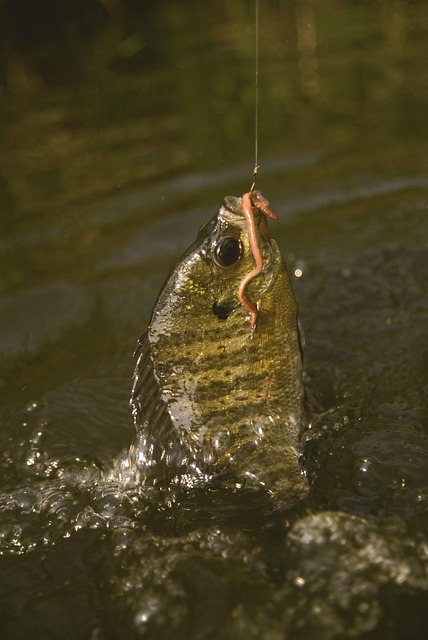
 Hooks, or activating strategies, are intended for students to link their prior knowledge to the current concept, lesson, or unit of study. Hooks can also build students’ background knowledge in a particular area. Auseubel (1978) recognizes that the activation of prior knowledge helps to deepen learning by bridging the gap between old and new material. Just like Goldilocks and the Three Bears, it is essential for educators to use the right amount of multimedia and visuals in addition to knowing their audience. Even though the lesson material will vary, there are a number of strategies that work for a variety of audiences. Hooks can include posters, photos, videos, hands-on artifacts, and books.
Good hooks should capture student interest and connect to prior knowledge or experience. As well, hooks should explain what is to be learned and how it will be learned. To grab learners in the digital age, a TEASe (Technology Enhanced Anticipatory Sets) is an excellent option. Combining high interest visuals with sound and even text in a short video or presentation can activate prior knowledge and engender excitement in the audience.
Tips and tricks:
- Guided Visualization: Have a high quality image or video displayed and engage your students in a guided visualization exercise. For example- Alice stepping through the looking glass… a tornado for that extreme weather unit and you are Dorothy…
- Try using hook stations in your classroom. They are an active and hands-on form of engagement. Can you think of a tech integration opportunity for one station?
- This is a good resource of various “activating strategies” from West Virginia State, South Carolina, and Delaware.
- Create cognitive dissonance with some of these image generators.
- If there’s a Smartboard available in your classroom, try using some of the resources on the Smart Exchange. Remember, you can customize the content to suit your needs.
Sites where you can find some great visuals:
- Pics4Learning- http://pics4learning.com
- Pixabay- http://pixabay.com
- Public Domain Images- http://www.public-domain-image.com
- Search Creative Commons- http://search.creativecommons.org